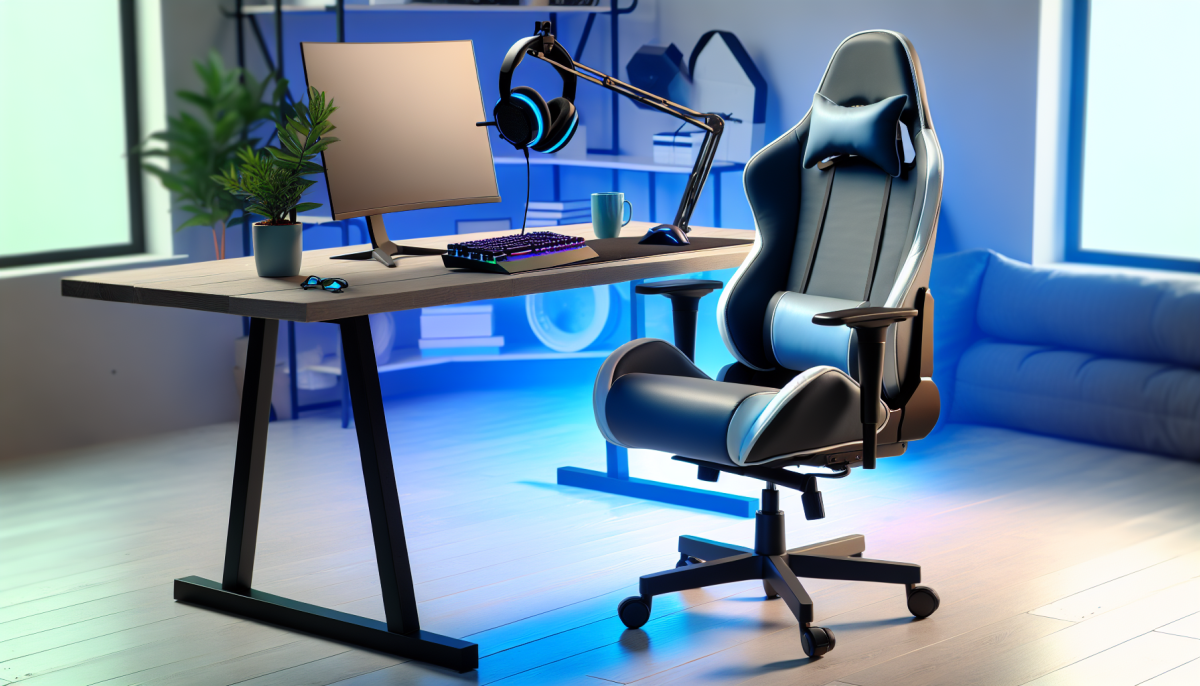
Choosing the right chair is crucial for maintaining comfort during those long gaming sessions. An ergonomic chair not only supports your posture but also helps prevent fatigue and discomfort. When selecting a chair, consider its adjustability. Look for features like adjustable seat height, lumbar support, and armrests that can be altered to fit your body’s unique shape.
Another important factor to consider is the material of the chair. Breathable fabrics like mesh keep you cool, while plush upholstery can add a touch of luxury. Additionally, a chair with ample cushioning will provide lasting comfort. Make sure to test the chair if possible, ensuring it hugs your body in all the right places without feeling too tight.
Don’t overlook the chair’s design! Aesthetics play a role in your gaming setup, and many ergonomic chairs come in a variety of styles and colors to match your gaming environment. Choose a design that resonates with you, as this can enhance your gaming atmosphere. Remember, a chair that looks good and feels great will make your gaming experience even more enjoyable!
Optimize Your Desk Setup for Health
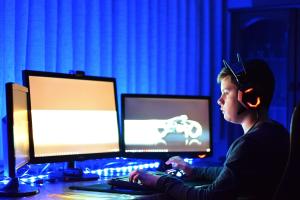
Creating a healthy gaming environment starts with optimizing your desk setup. A well-arranged desk not only enhances your gaming experience but also promotes better posture and reduces the risk of strain. Begin by ensuring your chair and desk are at the right height. Your elbows should be at a 90-degree angle when typing or using a controller, keeping your wrists in a neutral position. This simple adjustment can make a world of difference in your comfort levels during those long gaming sessions.
Next, consider the positioning of your monitor. Ideally, the top of the screen should be at or just below eye level, about an arm's length away. This prevents you from craning your neck and helps you maintain a natural posture. A monitor stand or adjustable mount can help you achieve this ergonomic setup. Additionally, using a blue light filter or screen glare protector can reduce eye strain, allowing you to focus on your game without discomfort.
Don't forget about your feet! Keeping your feet flat on the ground or on a footrest can help support your lower back. Adding a small cushion or lumbar support can provide extra comfort and stability for your spine. Remember to take regular breaks to stand up, stretch, and walk around. Incorporating these small changes into your gaming space will not only improve your current setup but also contribute to your overall health and well-being.
Enhance Control with Better Input Devices
When it comes to gaming, having the right tools can make all the difference. Enhancing your control with better input devices not only improves your gameplay but also contributes to a healthier gaming experience. Ergonomically designed mice, keyboards, and controllers can reduce strain and discomfort, allowing you to play for longer periods without the negative side effects.
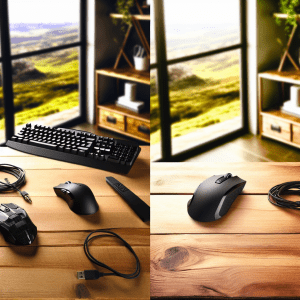
Ergonomic gaming mice are crafted to fit the natural shape of your hand, providing a comfortable grip that reduces wrist strain. Many of these mice come with adjustable weights and customizable buttons, giving you more control over your gaming actions. Whether you’re aiming for precision in a first-person shooter or zipping through a racing game, a quality ergonomic mouse can significantly enhance your performance.
Similarly, keyboards designed with ergonomics in mind help keep your wrists in a neutral position. Look for keyboards with a slight tilt and padded wrist rests to alleviate pressure. Mechanical keyboards with tactile feedback can also improve your typing speed and accuracy, making them a great choice for gamers who need quick responses.
Controllers are another area where ergonomic design shines. Specialized gaming controllers, often with interchangeable grips and button layouts, can make it easier to play complex games. The comfort of a well-designed controller means that you can focus more on your strategies and less on hand fatigue, allowing for longer and more enjoyable gaming sessions.
Protect Your Hands with Supportive Gear
When you immerse yourself in gaming, your focus is entirely on the screen, but it’s easy to forget about your hands. Protecting your hands with supportive gear is essential not only for enhancing your gameplay but also for maintaining your overall health. Long hours of gripping controllers or typing on keyboards can lead to discomfort and even injury. By investing in the right gear, you can play comfortably and efficiently.
One key piece of supportive gear is a pair of ergonomic gaming gloves. These gloves are designed to provide additional grip, reducing the strain on your fingers and palms. Many models are made from breathable materials to keep your hands cool during those tense gaming sessions. Additionally, some gloves come with padded areas to support the wrist, alleviating pressure and helping you avoid repetitive strain injuries.
Don’t overlook the importance of wrist supports! Whether you’re typing away on a keyboard or maneuvering a gaming mouse, keeping your wrists in a neutral position is crucial. A good wrist rest can help keep your wrists aligned, reducing the risk of discomfort and fatigue. Look for wrist rests made from memory foam or gel; they’ll conform to the shape of your wrists while providing ample support.
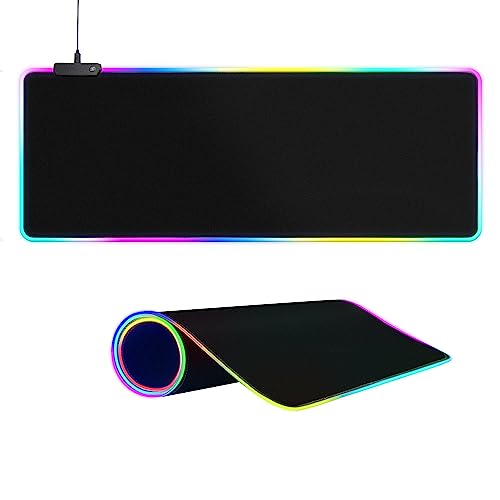
Lastly, consider using stylized mouse pads with built-in wrist support. These mouse pads not only offer a smooth surface for precise movements, but they also come with padded sections that elevate your wrist to a neutral level. This positioning can greatly minimize strain, allowing you to focus on what matters most: your gameplay. With these supportive tools, you can enjoy your gaming sessions without the nagging worry of discomfort or injury.